Does LinkedIn show who viewed your profile?
By Miles Burke · Updated · 6 minute read
The short answer
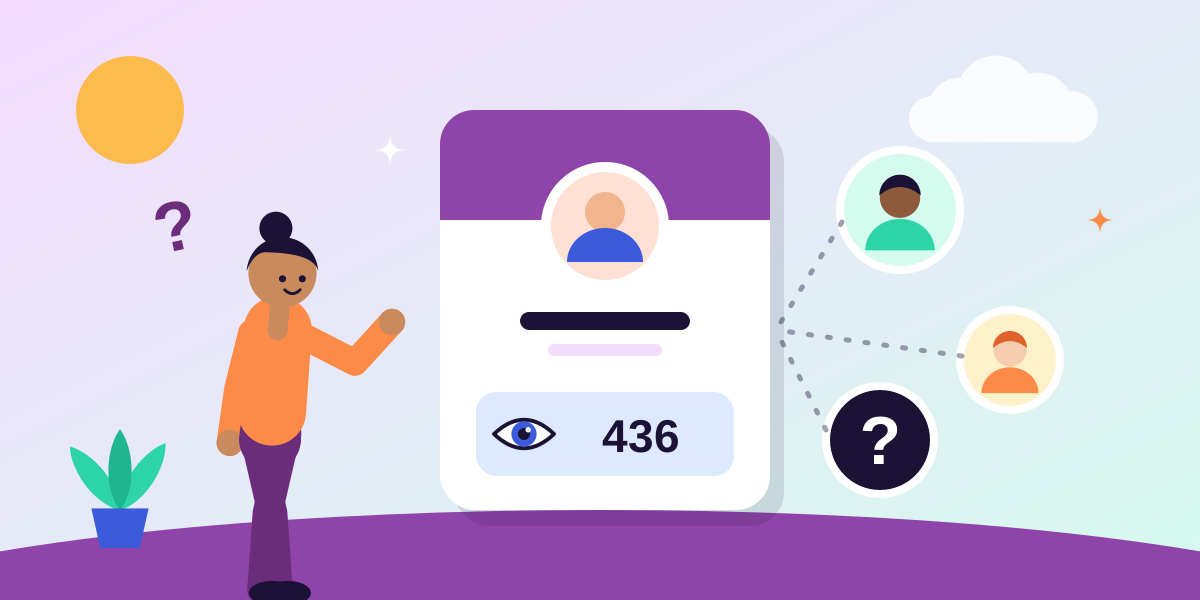
Yes, partly. LinkedIn shows every member how many people viewed their profile, and a free account can see the names of only a few recent viewers. LinkedIn Premium shows the full list. Nobody, including Premium members, can see the name of someone who viewed in private mode. It also works both ways: unless you switch to private mode, people can see when you view their profile.
What you can see, free and paid
As of October 2026, what LinkedIn shows depends on your plan and on how each viewer has chosen to appear:
| Free account | LinkedIn Premium | |
|---|---|---|
| How many people viewed your profile | Yes | Yes |
| Names of viewers | A few of the most recent | The full list |
| Viewers who were in private mode | Hidden | Hidden |
| Browse privately and still see your own viewers | No | Yes |
To find it, choose "View all analytics" under your name on the LinkedIn home page and select Profile viewers.
Why some viewers are hidden
Every member chooses how they appear when they look at someone else's profile. There are three options:
- Your name and headline. The default. The person sees exactly who you are.
- Private profile characteristics. You appear as a description, such as a job title and industry, without your name.
- Private mode. You appear as an anonymous LinkedIn member, and nothing identifies you.
A viewer in private mode cannot be unmasked by anyone. Paying for Premium does not reveal them.
Can people see when you view their profile?
Yes, unless you have changed the setting. By default your name and headline are added to the list of viewers on every profile you open.
To browse without being named:
- Select your photo at the top of LinkedIn and open Settings and Privacy.
- Choose Visibility, then Profile viewing options.
- Select Private mode.
There is a trade on a free account: while you browse in private mode, LinkedIn hides the names of the people who view your profile too. Change the setting before you visit a profile, because it does not apply to visits you have already made.
The count matters more than the names
It is natural to want the names. For most people the more useful figure is the number, because it shows whether your visibility is growing.
People visit your profile after seeing a post, reading a comment you left, or finding you in search. So a rising count of profile viewers means your activity is making people curious enough to click through, which is the step before a message, an enquiry or an offer.
The difficulty is that LinkedIn shows profile viewers as one total for the past 90 days, with no history. You can see where you are today, but not where you were three months ago.
How to track your profile views over time
- Note the figure weekly. Once a week, write down your profile viewers and search appearances from the analytics overview. After a couple of months you have the trend LinkedIn does not keep. See how to keep your LinkedIn analytics history.
- Set it beside what you did. Note how many posts and comments you made that week as well. The link between activity and profile views usually becomes obvious.
How to get more profile views
- Post regularly. Each post puts your name and headline in front of people who may click through.
- Comment on other people's posts. A thoughtful comment is seen by that person's audience, most of whom do not know you yet.
- Make your headline say what you do. It appears beside every post and comment, and it is what people read before deciding to visit.
- Use the words people search for. Your headline, About section and job titles decide which searches you appear in.
If your profile views have fallen, see why your impressions or profile views dropped.
Common questions
Can people see when you view their LinkedIn profile?
Yes, by default. Your name and headline appear in their list of viewers. To prevent it, switch your profile viewing option to private mode before you look.
Can LinkedIn Premium see anonymous viewers?
No. A viewer who was in private mode stays anonymous to everyone, including Premium members. Premium shows more of the viewers who were not in private mode.
How do I turn off profile views on LinkedIn?
Open Settings and Privacy, choose Visibility, then Profile viewing options, and select private mode. Your visits will then appear as an anonymous LinkedIn member. On a free account, doing this also hides the names of people who view your profile.
Does LinkedIn notify someone every time I view their profile?
It adds you to their list of profile viewers, and LinkedIn may include that in a notification or email to them. It does not send a separate alert for each visit.
See this in your own numbers
Postaboo turns the analytics file LinkedIn lets you download into a clear report, and keeps your history as it grows. Free, with no LinkedIn login.
More guides
- Personal LinkedIn analytics: a complete guide
- How to export your LinkedIn analytics
- LinkedIn only keeps 365 days of analytics. Here is how to keep yours.
- The best time to post on LinkedIn: how to find your own
- What is a good LinkedIn engagement rate?
- What are impressions on LinkedIn?
- Why did my LinkedIn impressions drop?
- LinkedIn analytics glossary: every term explained